The exchange rate service in Business Central allows you to automatically update currency exchange rates from a third-party provider (like FloatRates, ECB, or custom ones). This is super useful for companies dealing with multiple currencies.
🧭 Common Use Cases:
- Automatically updating currency exchange rates daily.
- Reducing manual entry errors for currency values.
- Ensuring accurate foreign currency valuations for transactions, reporting, and revaluations.
Floatrates will be used in this example so if anyone can make use of this then please follow the steps outlined below.
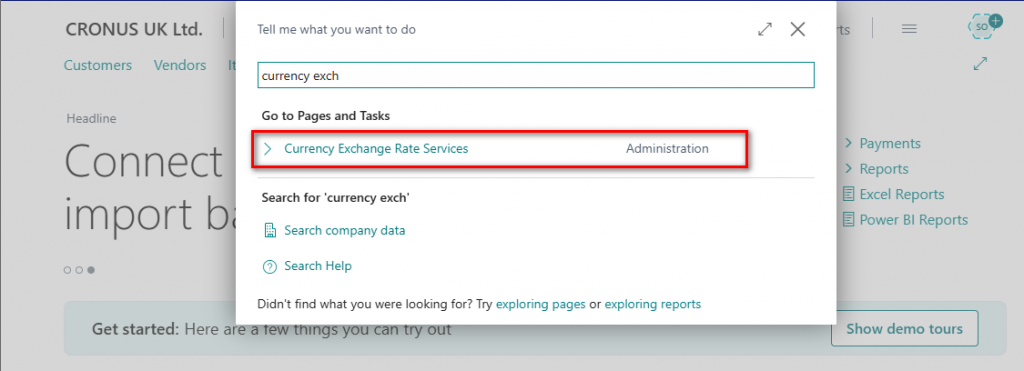
Click on New and enter the details highlighted below.
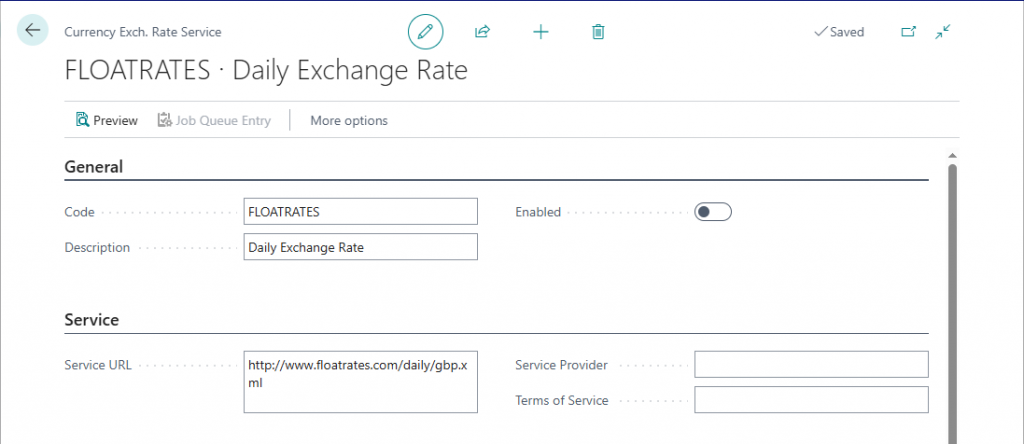
The Service URL is http://www.floatrates.com/daily/gbp.xml.
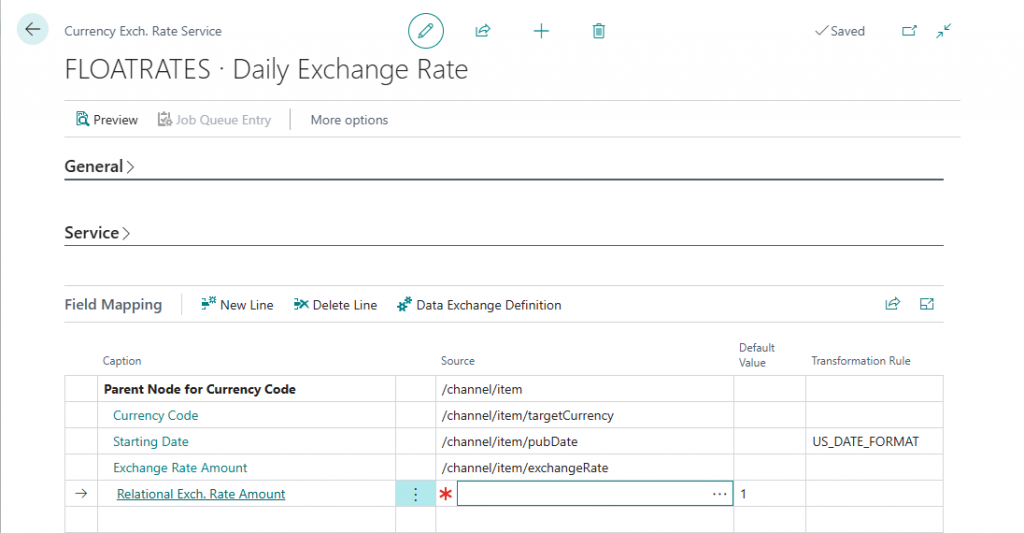
The field mapping should be filled in as below but drill into the Source to select the entry for each field.
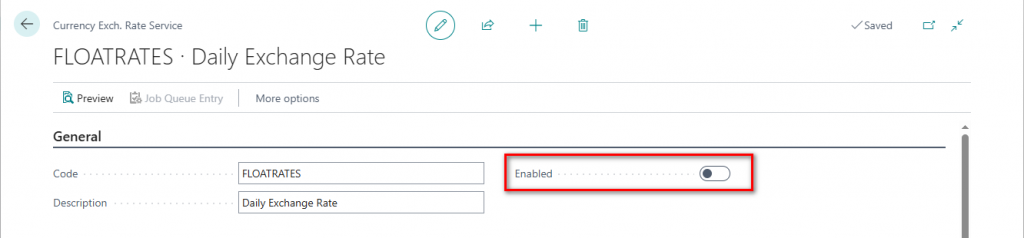
Once all the details have been entered then the service can be enabled.
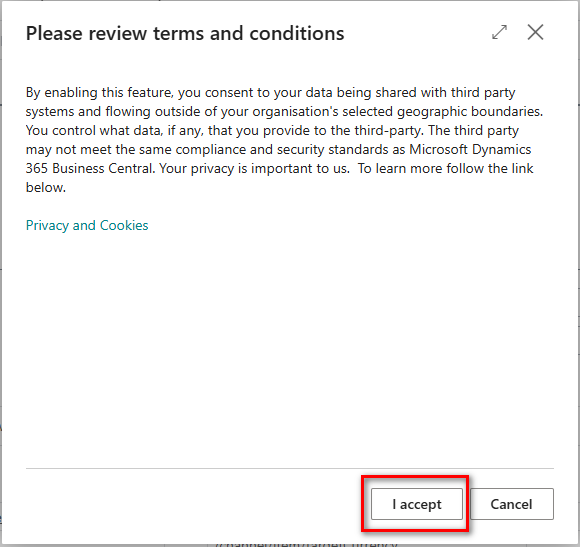
Accept the terms and conditions
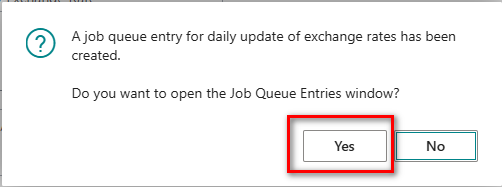
Then create the job queue entry which will default to a daily update of the exchange rate.
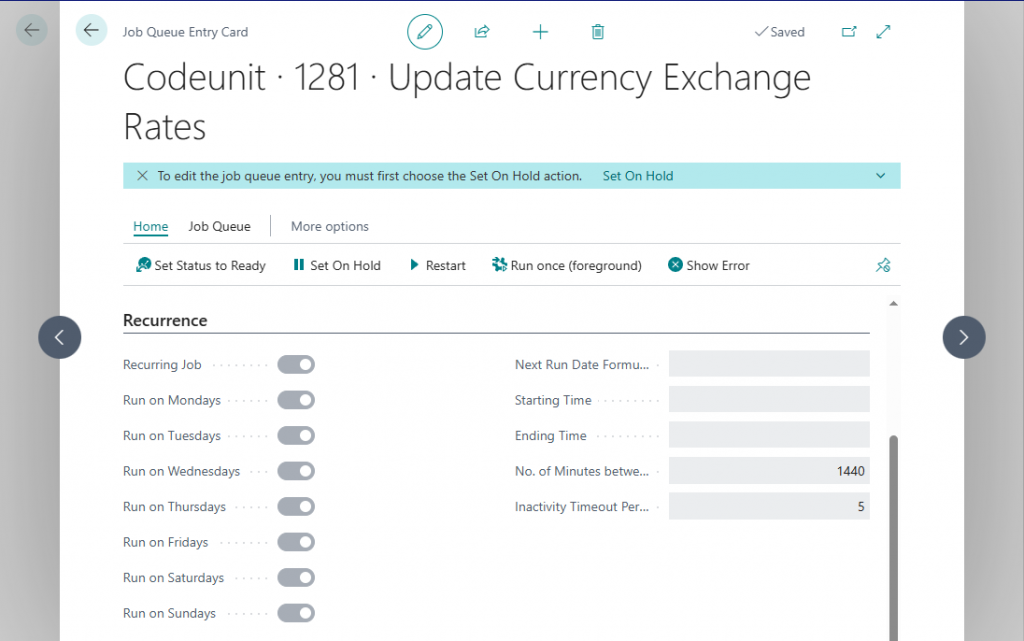
N.B. You can change the frequency using the Next Run Date Formula if required.
Filter on the current date after the job queue has completed and there will be records created for each of the exchange rates. See sample below.
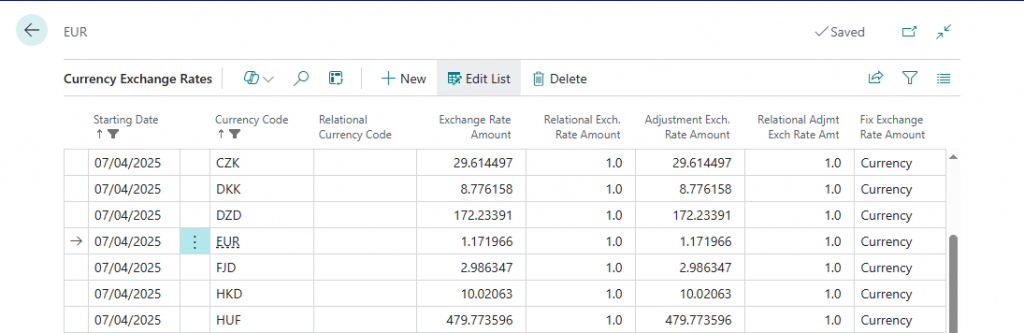
If you wanted to change the value of the Fix Exchange Rate Amount then modify the exchange service. Firstly, deselect the Enable field so that changes can be made.
Add another row into the field mapping and drill into the next blank caption field to select Fix Exchange Rate Amount.
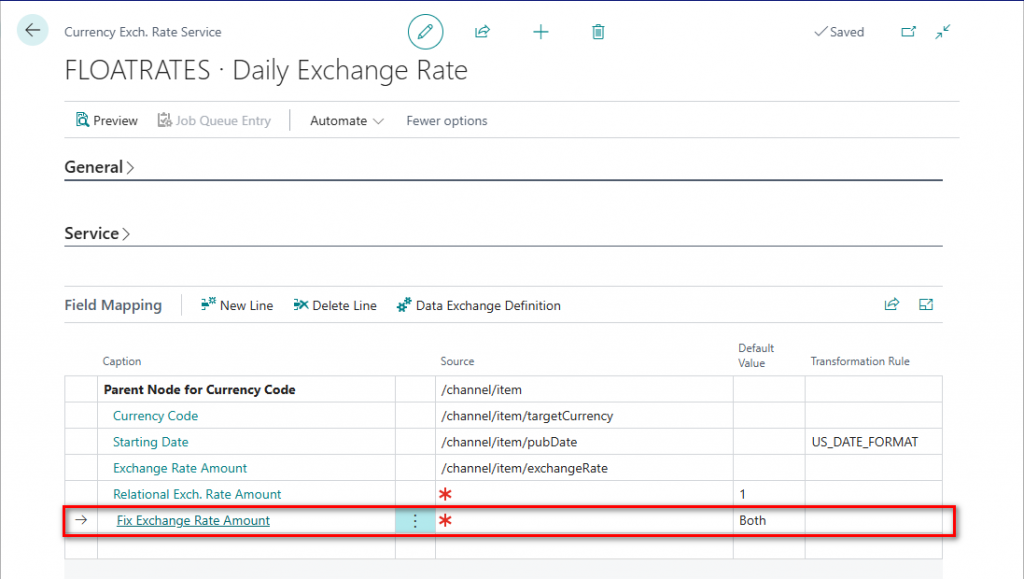
Set the Default Value as Relational Currency or Both. Then enable the service to complete.
Thanks, Shauna
Leave a Reply