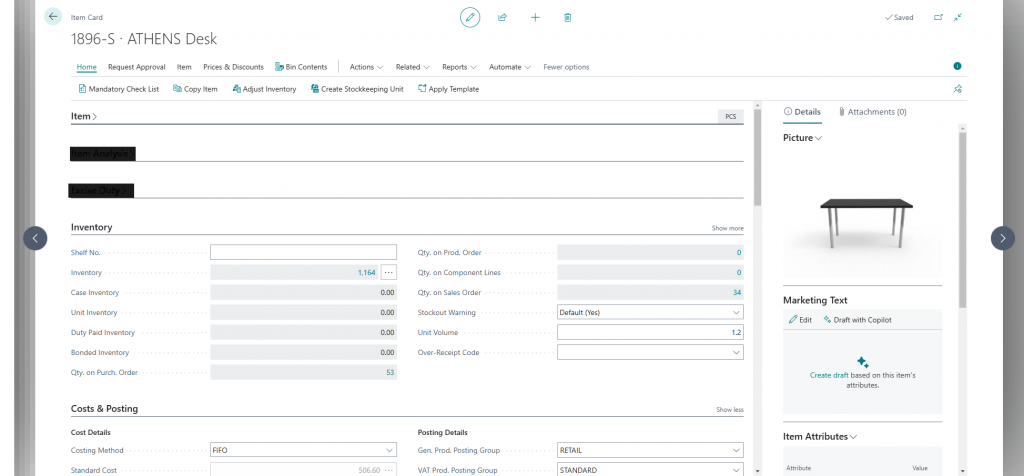
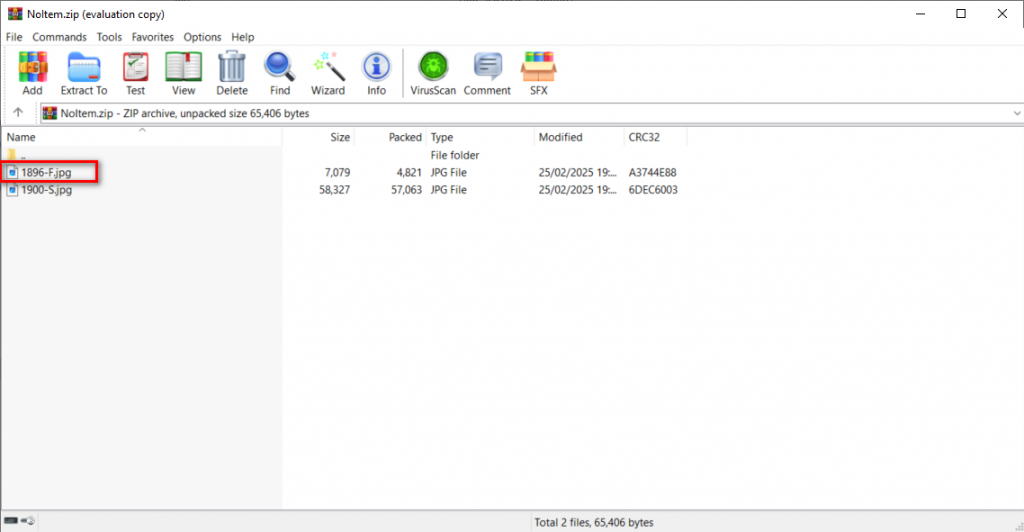
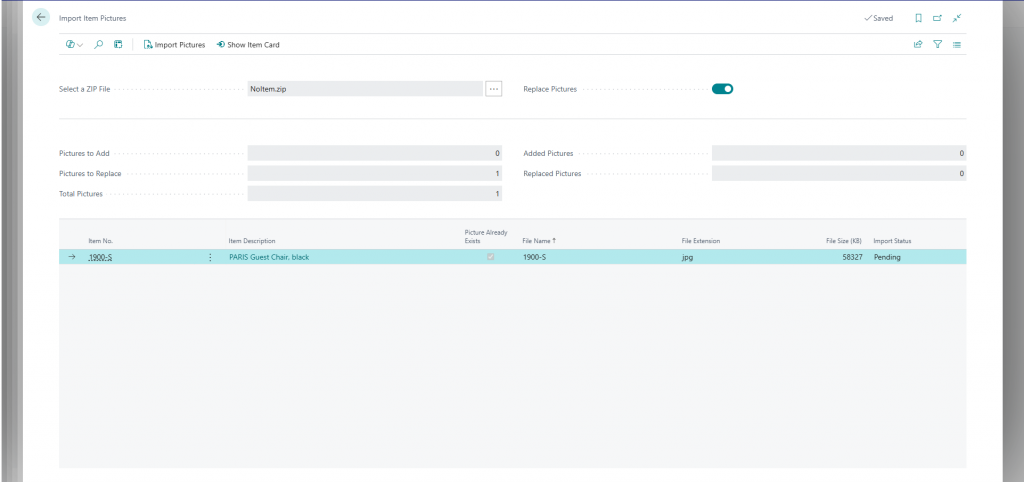
Managing document storage effectively becomes a key part of optimizing performance and scalability when an organization adopts cloud-based ERP systems. Dynamics 365 Business Central offers External File Storage options to help businesses move large or non-essential documents out of the core database and into cost-effective external systems.
Some of the main benefits to use an External File Storage in Business Central are listed below.
1. 🚀 Improved System Performance
- Problem: Storing large files (e.g., PDFs, images, documents) directly in the Business Central database bloats it.
- Impact: Slower performance during backups, longer load times, and reduced responsiveness.
- Solution: External storage offloads the bulk, keeping Business Central fast and responsive.
2. 💾 Reduced Database Size & Cost
- Business Central environments (especially SaaS) have storage limits and costs tied to database usage.
- By moving large files out of the core database:
- You lower storage usage
- Avoid extra charges from Microsoft for exceeding data capacity
3. 🔐 Better Security & Compliance
- External systems support:
- Role-based access
- Retention policies
- Audit trails
- Data encryption
Follow the steps below to link your file storage to Business Central.
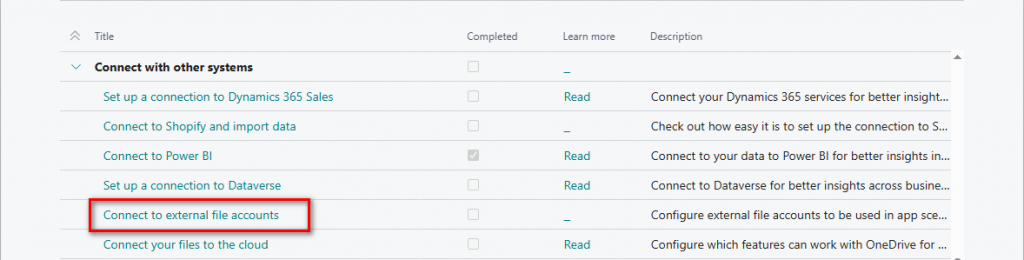
First, search for Assisted Setup.
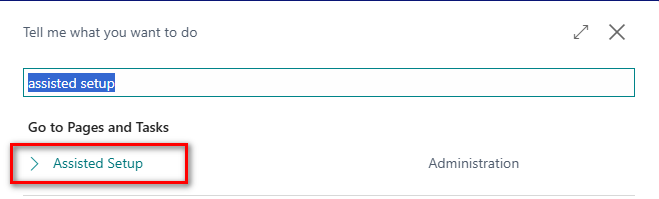
Then select the option highlighted below within the Connect with other systems section.
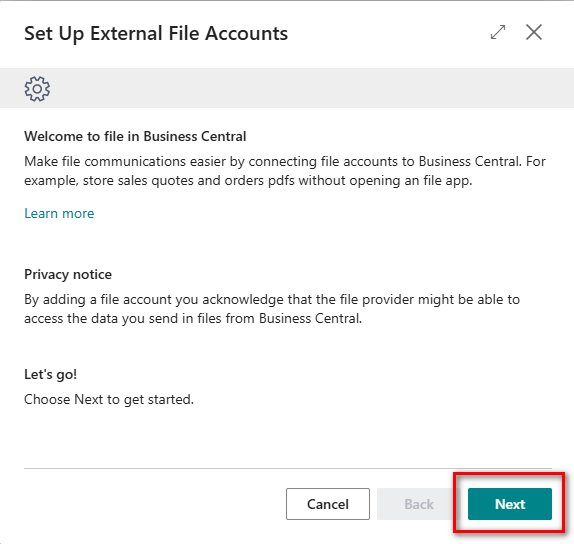
Walk through the wizard to complete the setup.
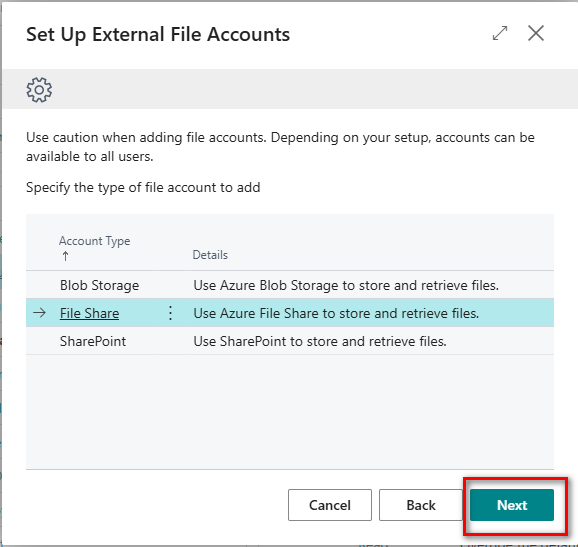
Select the file account to add, in this example File Share will be used.
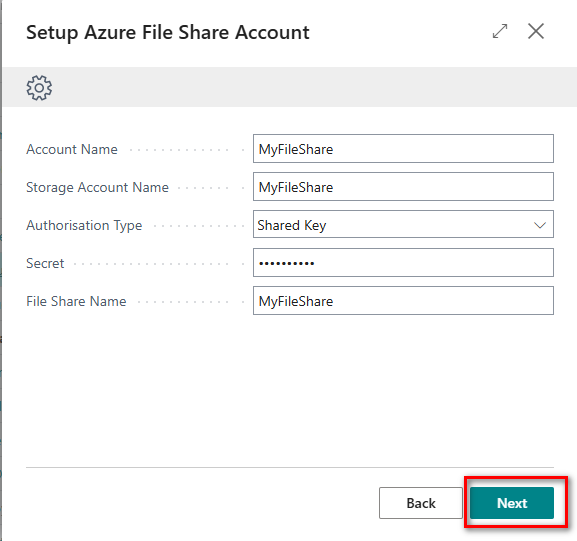
Enter the relevant details relating to your file share.
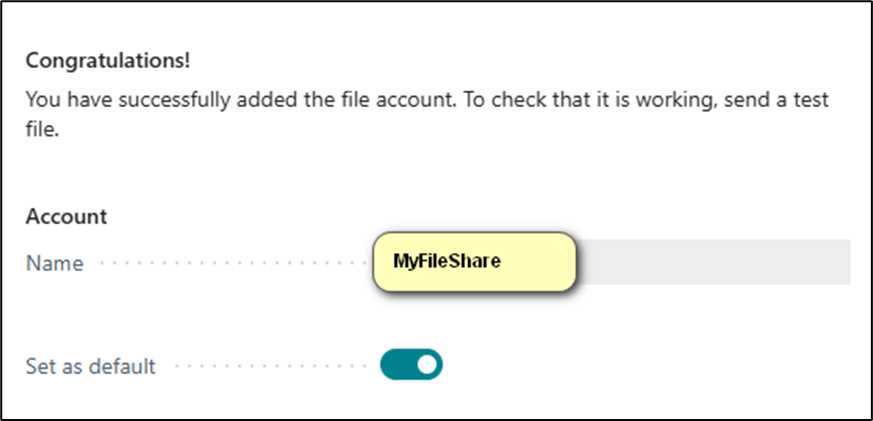
The connection should now be established and you have the option to set as default.
N.B. When setting up a BLOB storage then the following details are required.
- Account Name
- Storage Account Name
- Authorisation Type
- Secret
- Container Name
When connecting to Sharepoint account then the below details are required.
- Account Name
- Tenant Id
- Client Id
- Client Secret
- Sharepoint Name
- Base Relevant Folder Path
With the setup complete this will allow for easier integration and automation:
- External files are easier to:
- Access via APIs or Power Automate
- Share with external partners
Thanks, Shauna